Font Size
 BIBLE GATEWAY APP
Read the Bible Anywhere with the Bible Gateway App
Read, listen to, and understand God’s Word—wherever you are.


Trusted for 30+ years
200+ Bible translations
Audio Bibles in 15+ languages
Abide In Scripture
Read and listen anywhere
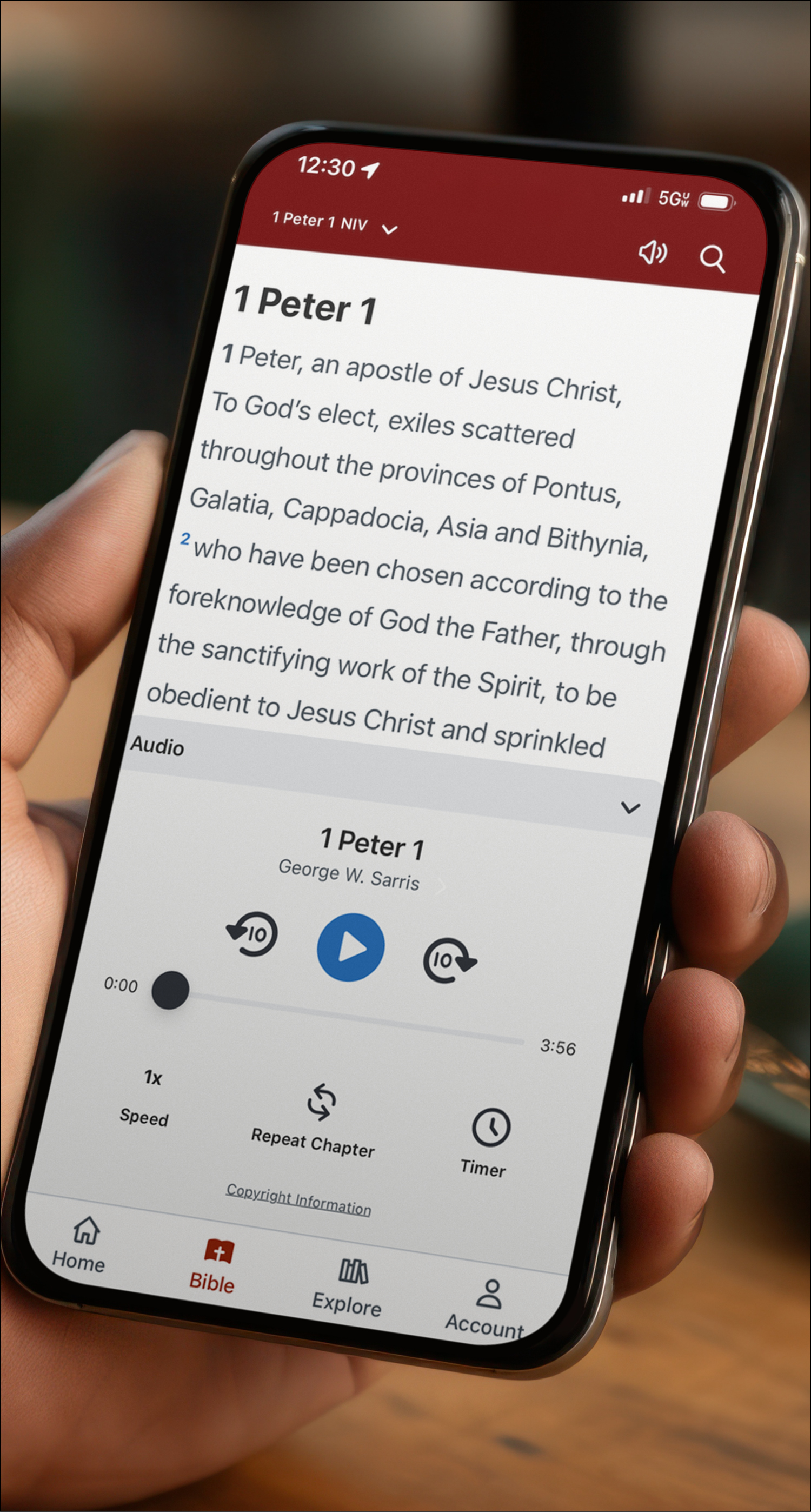
Access Scripture wherever life takes you—read or listen in your preferred Bible translation anytime.
| What you get | Why it matters |
|---|---|
| 200+ translations | Read in the version you trust and understand best. |
| Audio Bibles | Listen on the go and stay in God’s Word through your day. |
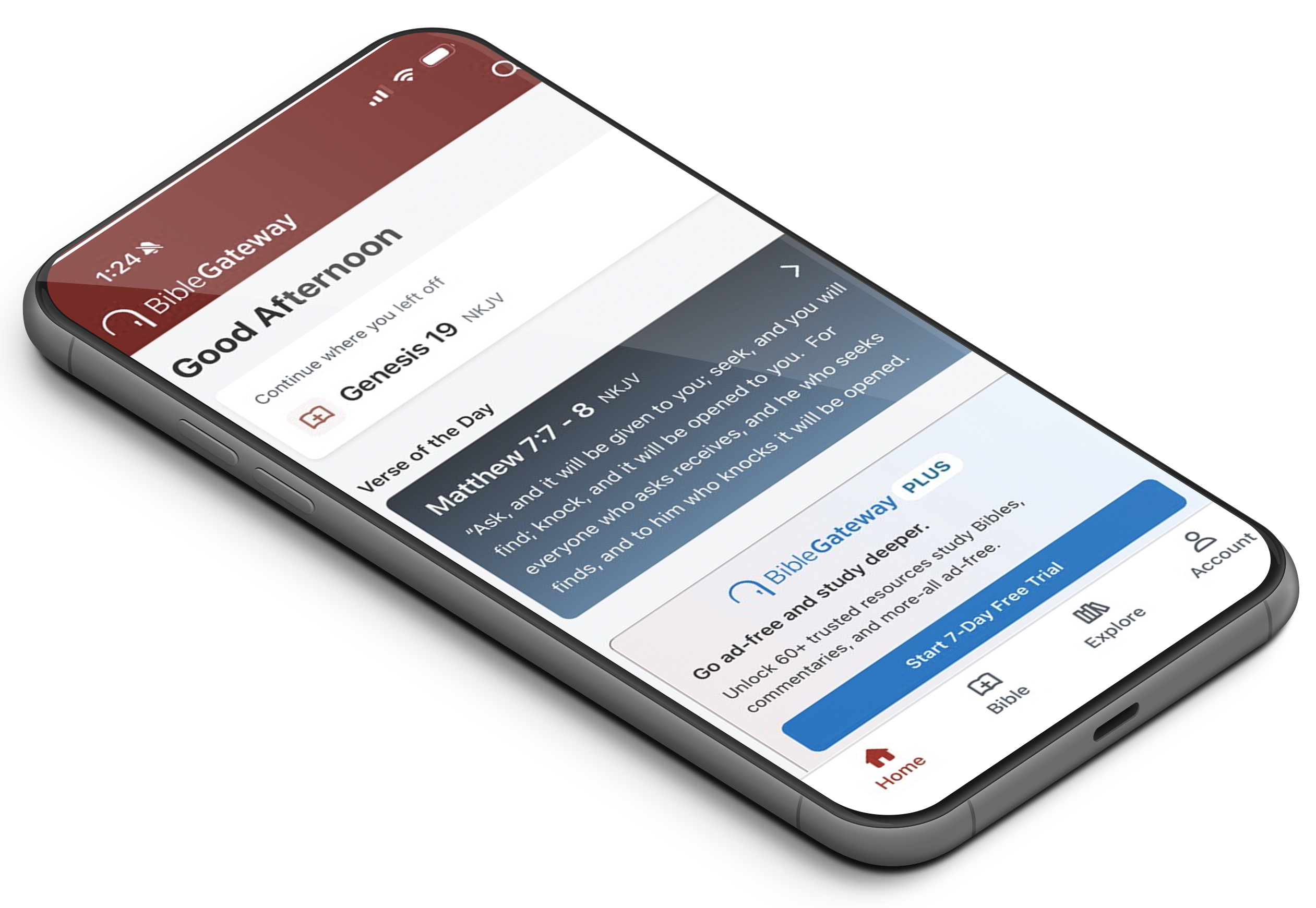
| Verse of the Day | Start with a daily moment in Scripture. |
Stay Focused
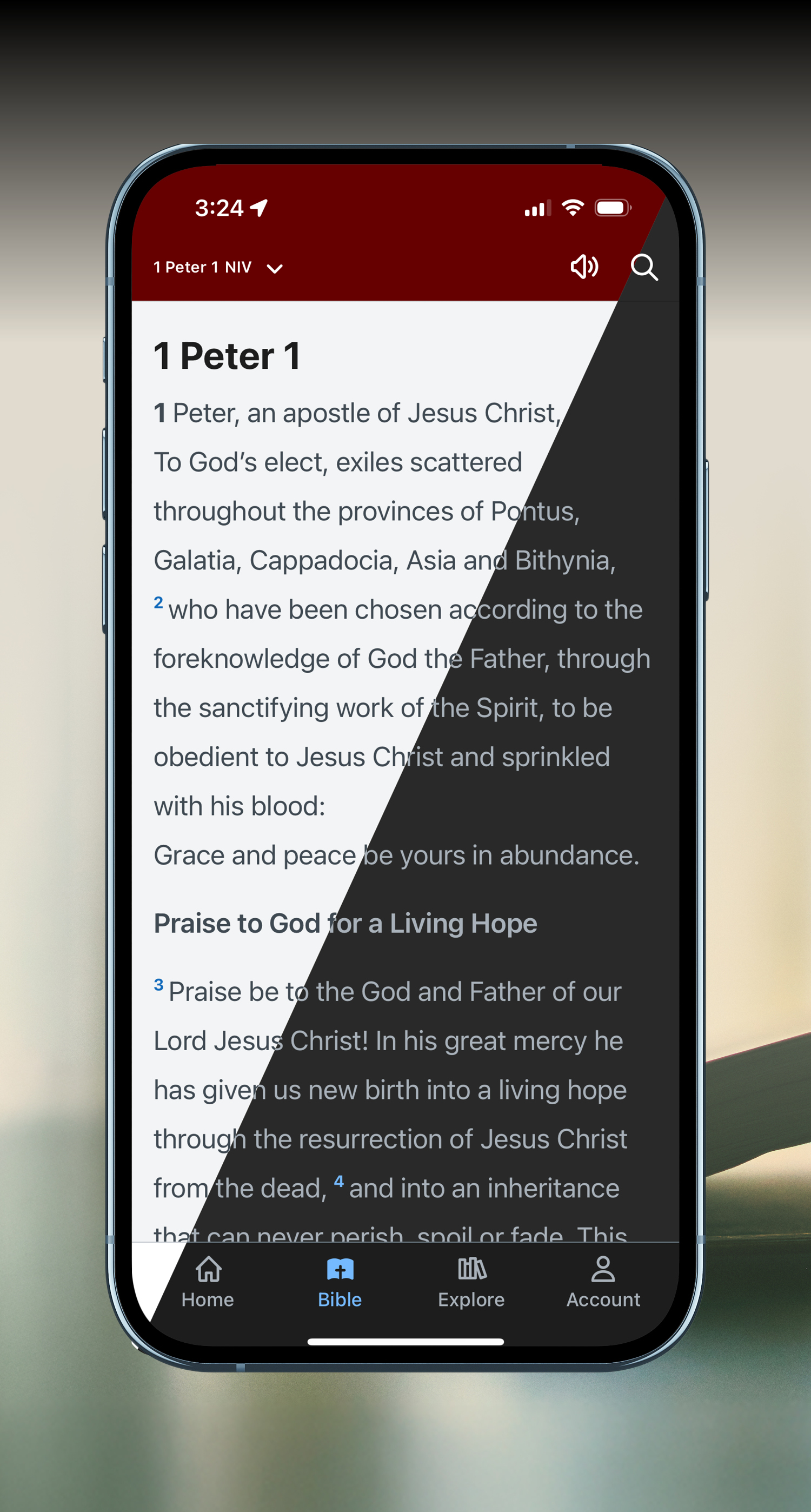
Read Comfortably
Choose standard or dark mode.
SAVE & SYNC
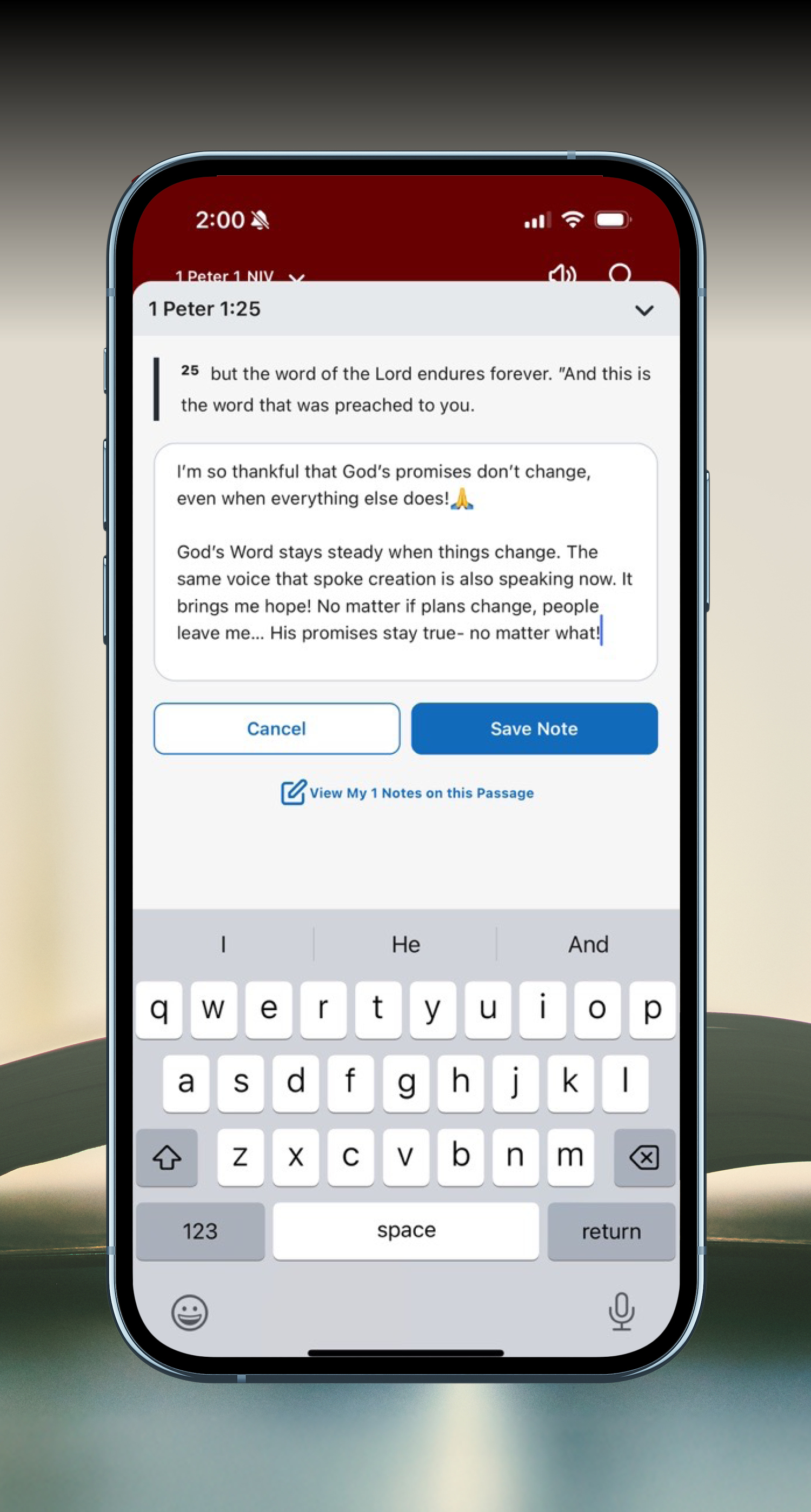
Keep your notes with you
Create a free Bible Gateway account to highlight verses, write notes, and keep your study in one place.
REFLECT
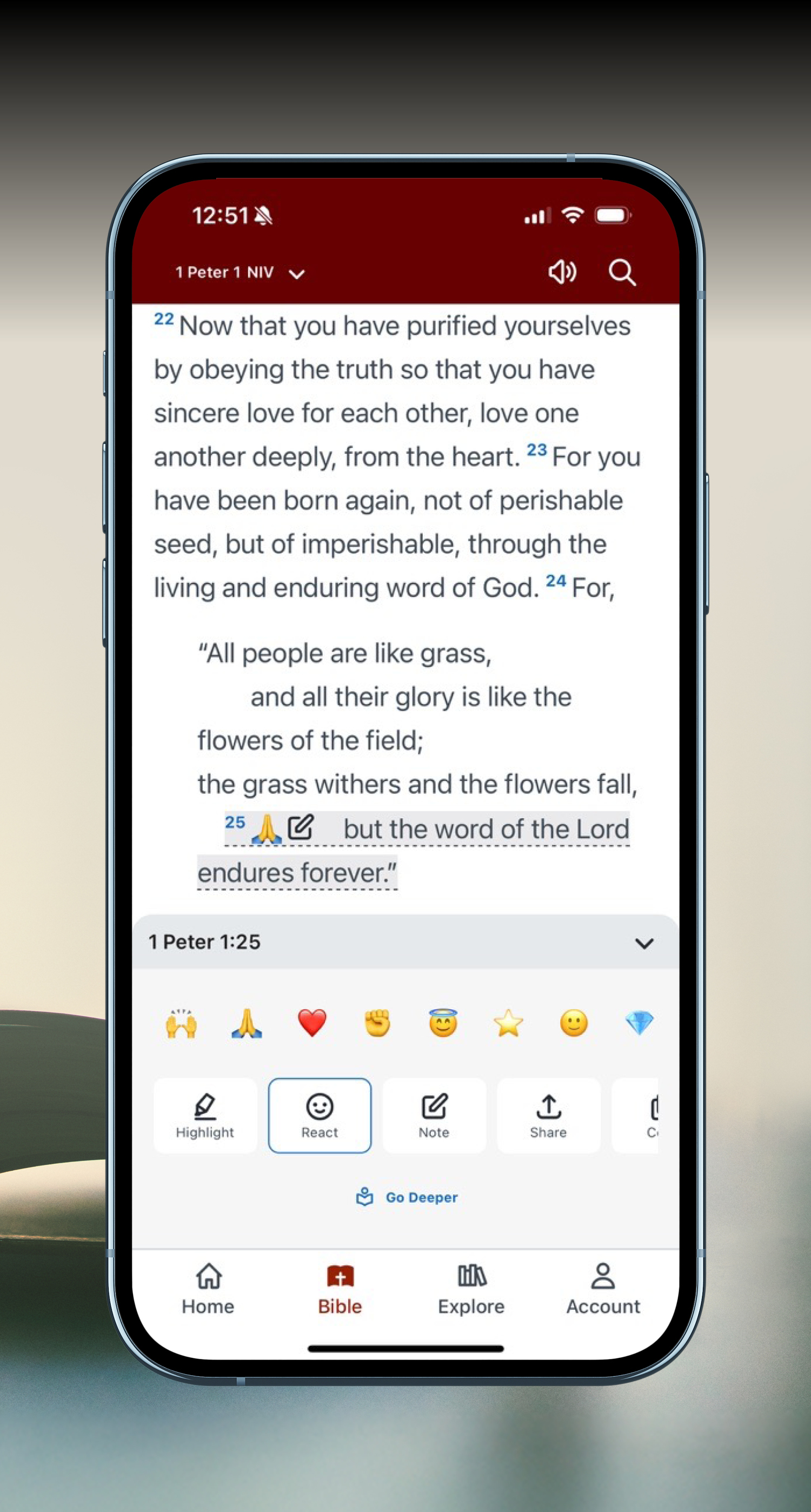
Pause and respond
With a free account, you can mark your favorite verses with emojis, highlight or share verses, and return to what matters later.
View in Parallel
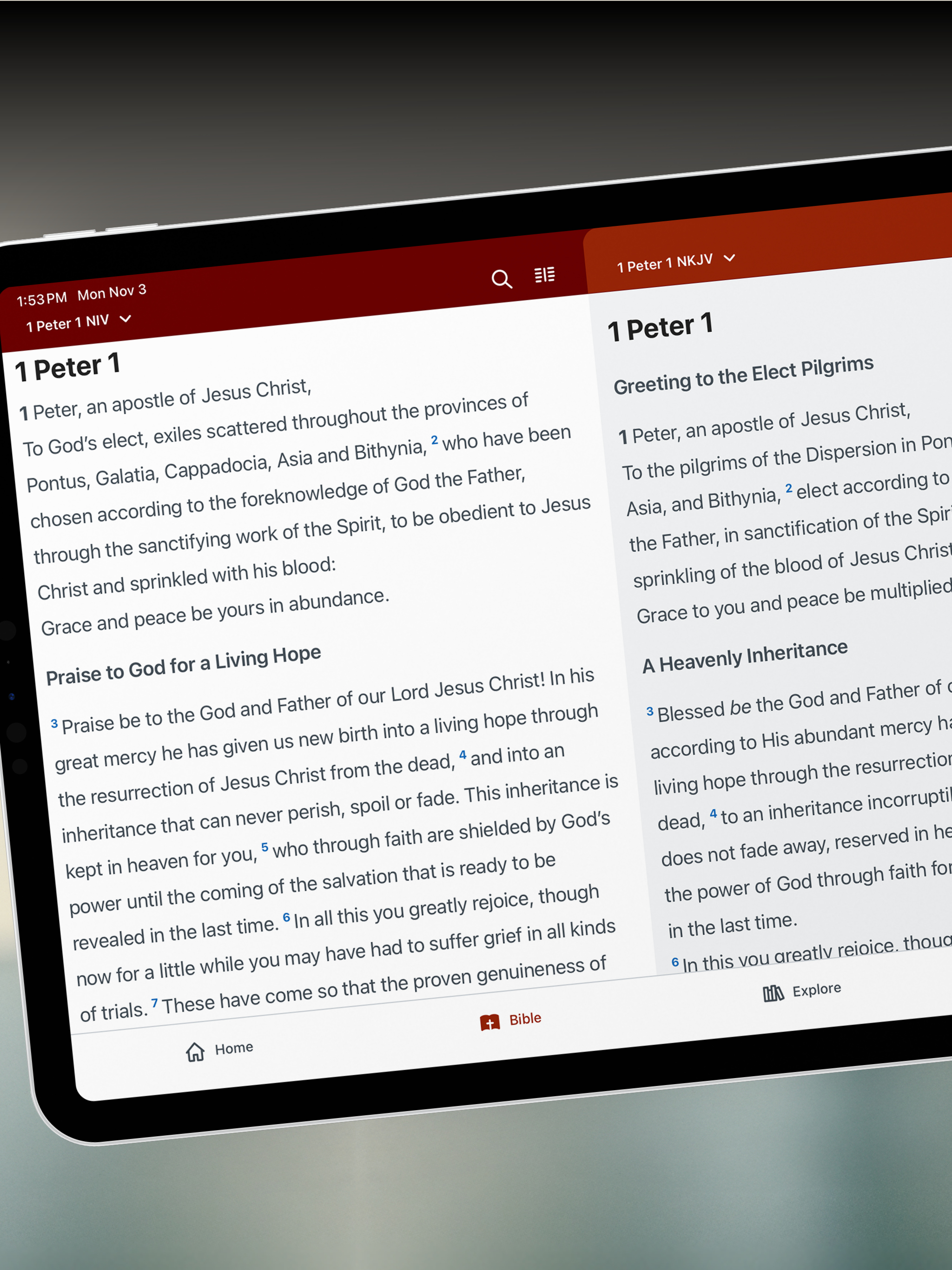
Compare Bible versions side-by-side
On tablets, view two Bible versions together to understand Scripture more fully.
GO DEEPER

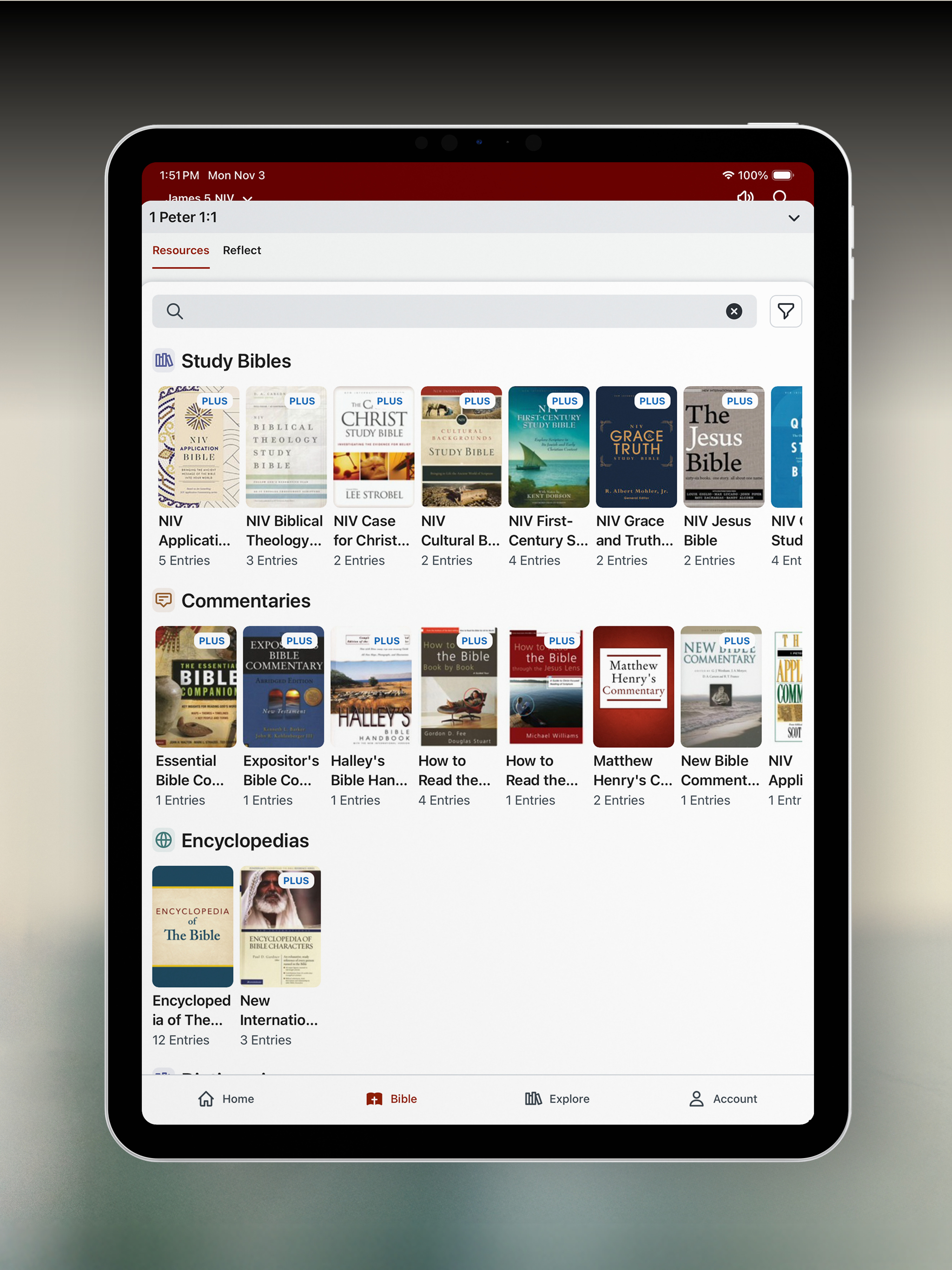
In the App, you can upgrade to Bible Gateway Plus for an ad-free experience and deeper study tools.
| Includes | Built for |
|---|---|
| Ad-free reading | Being fully present with Scripture |
| 30+ Study Bibles | Understanding Scripture—not just reading it |
| 15 Commentaries | Gaining clarity around historical context |
| 25+ Additional trusted resources | Answering questions tied to the passage you’re reading |
| 7-day free trial | Exploring Bible Gateway Plus without pressure |